What Is an MD File? Plain-Text Format Explained (2026)
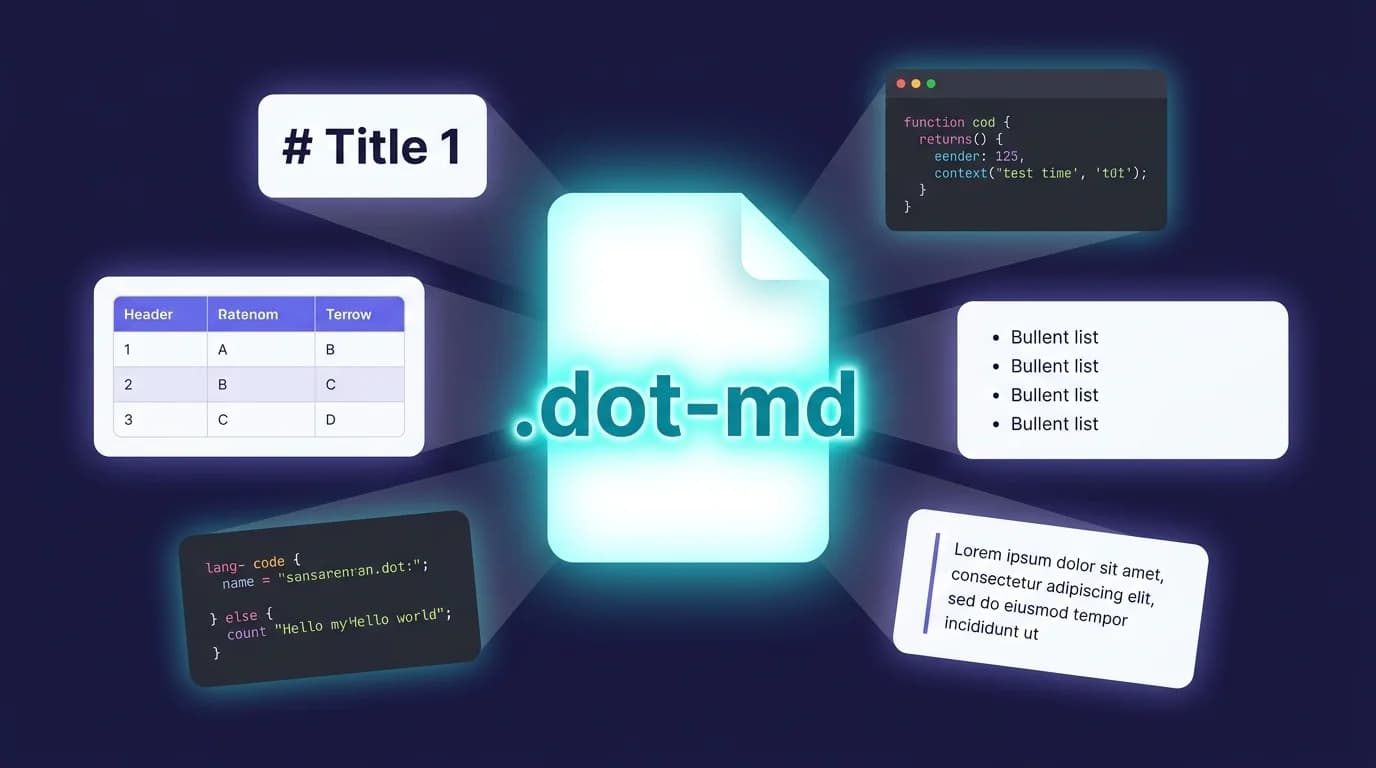
An MD file is a plain-text document written in Markdown, the lightweight markup language created by John Gruber and Aaron Swartz in 2004. The .md file extension tells your operating system that the file contains Markdown-formatted text — headings, bold, links, lists, code blocks — all written with simple characters like #, **, and -. No special software created it, and no special software is required to read it.
GitHub alone hosts over 630 million repositories (GitHub Octoverse, 2025), and virtually every one contains at least one MD file: the README.md that explains what the project does. Beyond GitHub, MD files power documentation sites, note-taking apps like Obsidian and Bear, static site generators like Hugo and Jekyll, and — increasingly — AI agent configuration files like AGENTS.md and llms.txt.
630 million repositories on GitHub use
.mdfiles for documentation, READMEs, and changelogs (GitHub Octoverse, 2025). The format's dominance stems from one design choice: MD files are readable as plain text, even before rendering.
What Does the .md File Extension Actually Mean?
The .md extension stands for "Markdown." Some tools also recognize .markdown, .mdown, or .mkd, but .md is the standard used by GitHub, GitLab, VS Code, and every major documentation platform. The extension signals to editors and renderers that the file contains Markdown syntax and should be parsed accordingly.
Unlike .docx (Microsoft Word) or .pages (Apple Pages), an MD file is not a binary format. Open any .md file in a basic text editor — TextEdit on macOS, Notepad on Windows, or nano in a terminal — and you see the actual content, not garbled characters. This portability is the core reason Markdown won the documentation format wars.
Here is what a minimal MD file looks like in raw form:
# Project Name

A short description of the project.

## Installation

Run `npm install my-package` to get started.

## Usage

- Import the module
- Call the main function
- Check the **output**
That file renders into formatted HTML with a heading hierarchy, a code snippet, a bulleted list, and bold text. The syntax follows the CommonMark specification (version 0.31.2, released January 2024), which defines over 600 test cases to ensure parsers handle Markdown identically.
The
.mdfile extension stands for Markdown, the plain-text formatting language created by John Gruber in 2004. Unlike binary formats like.docx, an MD file is readable in any text editor. The CommonMark specification (version 0.31.2, 2024) standardizes the syntax across 600+ test cases, ensuring consistent rendering on every compliant parser.
How Do You Open an MD File on macOS, Windows, and Linux?
Opening an MD file is straightforward because it is plain text. The question is whether you want to see the raw syntax or a rendered preview.
Raw text (any OS)
Every operating system ships with a text editor that can open MD files:
- macOS — TextEdit (switch to plain text mode first) or Terminal with
cat README.md - Windows — Notepad, or right-click the file and select "Open with" any text editor
- Linux —
nano,vim,gedit, or any editor in your distribution
Rendered preview
To see the formatted output — headings styled, bold text rendered, links clickable — you need a Markdown viewer or an editor with preview support:
- VS Code — open the
.mdfile, then pressCmd+Shift+V(macOS) orCtrl+Shift+V(Windows/Linux) for the built-in preview pane - macOS native — MacMD Viewer renders any
.mdfile with syntax highlighting, a live table of contents, and Mermaid diagram support. It also adds QuickLook preview so you can press Space on any MD file in Finder and see the rendered output instantly - Online — paste your Markdown into a free Markdown preview tool to see the rendered HTML without installing anything
- Obsidian, Typora, Bear — these note-taking apps use
.mdas their native file format and render it automatically
What about double-clicking?
On macOS, double-clicking an .md file typically opens it in Xcode or TextEdit — neither renders the Markdown. On Windows, it may open in Notepad. To get a proper rendered view on macOS without changing file associations for every text file, a dedicated viewer like MacMD Viewer is the cleanest solution: it registers as an MD file handler, renders the content, and stays out of your way.
What Is Inside an MD File? Markdown Syntax Explained
An MD file contains plain text annotated with Markdown syntax characters. These characters map directly to HTML elements. The full syntax is defined by the CommonMark specification (2024) and extended by GitHub Flavored Markdown (GFM) for tables, task lists, and strikethrough.
Here are the building blocks you will find in any MD file:
Headings
# Heading 1
## Heading 2
### Heading 3
Hash characters (#) set the heading level. One hash produces an <h1>, two produce <h2>, and so on through six levels. Always add a space after the hashes — the spec requires it.
Emphasis (bold, italic, strikethrough)
**bold text**
*italic text*
~~strikethrough~~
Double asterisks for bold, single asterisks for italic, double tildes for strikethrough. For a complete reference, see the markdown text formatting guide.
Links and images
[Link text](https://example.com)
Square brackets hold the visible text, parentheses hold the URL. Images use the same syntax with a leading !.
Lists
- Unordered item
- Another item

1. Ordered item
2. Another item

- [x] Task complete
- [ ] Task pending
Dashes, asterisks, or plus signs create unordered lists. Numbers followed by periods create ordered lists. GFM adds task list checkboxes with [x] and [ ]. For nested list techniques and edge cases, the markdown lists guide covers every variation.
Code blocks
Inline code: `const x = 1`

Fenced block:
```javascript
function hello() {
  return "world";
}
```
Backticks create inline code spans. Triple backticks create fenced code blocks with optional language identifiers for syntax highlighting.
Tables (GFM extension)
| Column A | Column B |
|----------|----------|
| Cell 1   | Cell 2   |
Tables are not part of the original Markdown specification. They were added by GitHub Flavored Markdown and are now supported by most parsers. If you work with tabular data frequently, the markdown table generator can save time.
What Is the Difference Between an MD File and a TXT File?
Both .md and .txt files are plain text. The difference is semantic: an MD file contains structured formatting that a Markdown parser can interpret, while a .txt file is unstructured plain text with no rendering expectations.
| Feature | .md file | .txt file |
|---|---|---|
| Content | Plain text with Markdown syntax | Plain text only |
| Rendering | Can be parsed into formatted HTML | Displayed as-is |
| Headings | # Heading renders as <h1> | # Heading stays as literal text |
| Links | [text](url) becomes a clickable link | [text](url) stays as literal text |
| Use case | Documentation, READMEs, notes, blogs | Log files, raw data, simple notes |
| File size | Same — both are plain text | Same |
The practical takeaway: if you rename notes.txt to notes.md, the content does not change. But a Markdown-aware tool will now parse the syntax characters and render formatted output.
Where Are MD Files Used in Practice?
MD files appear in almost every corner of software development and technical writing. Here are the most common contexts:
Software repositories. Every GitHub, GitLab, and Bitbucket repository renders README.md automatically on the project page. Related files like CONTRIBUTING.md, CHANGELOG.md, and LICENSE.md follow the same convention. GitHub merged 43.2 million pull requests per month on average in 2025, most containing Markdown in descriptions and comments (GitHub Octoverse, 2025).
Documentation sites. Static site generators — Jekyll, Hugo, Docusaurus, MkDocs, VitePress — convert MD files into full websites. Write in Markdown, publish as HTML. The workflow separates content from presentation.
Note-taking. Obsidian, Bear, Logseq, Notion (export), and iA Writer store notes as .md files. Your notes are never locked into a proprietary format — you can move them between apps freely.
AI and LLM configuration. The newest use case: AI tools read Markdown files for instructions. GitHub Copilot reads .github/copilot-instructions.md, Claude Code reads CLAUDE.md, and the AGENTS.md standard (now part of the Linux Foundation's Agentic AI initiative) defines how autonomous agents receive their directives (Visual Studio Magazine, 2026).
Team communication. Slack, Discord, Microsoft Teams, and Reddit all support Markdown in messages. The Discord markdown formatting guide and Markdown in Slack guide cover the platform-specific syntax differences.
MD files are used across software repositories (630 million on GitHub), documentation sites (Jekyll, Hugo, Docusaurus), note-taking apps (Obsidian, Bear, Logseq), AI agent configuration (AGENTS.md, CLAUDE.md), and team communication platforms (Slack, Discord, Teams). Their plain-text portability makes them the default format for technical writing (GitHub Octoverse, 2025).
How Do You Create an MD File From Scratch?
Creating an MD file takes three steps:
- Open any text editor — VS Code, Sublime Text, TextEdit (plain text mode), or even Terminal with
nano - Write Markdown syntax — start with a
# Heading, add some paragraphs, throw in a list or a link - Save with the
.mdextension — name itREADME.md,notes.md,draft.md, or whatever fits
That is it. No compilation step, no build tool, no account required. The file is immediately readable as plain text and renderable by any Markdown-aware tool.
For a complete syntax reference you can bookmark, the markdown cheat sheet covers every element from headings to Mermaid diagrams.
If you want to convert an existing HTML document to Markdown, the HTML to Markdown converter handles the translation automatically.
How Do You Convert an MD File to Other Formats?
MD files convert to virtually any document format because the source is structured plain text:
- MD to HTML — every Markdown parser does this natively. For quick conversions, use the Markdown to HTML tool
- MD to PDF — tools like Pandoc, or the Markdown to PDF converter, render the Markdown and export a formatted PDF
- MD to DOCX — Pandoc converts MD files to Word documents:
pandoc input.md -o output.docx - MD to slides — Marp, Slidev, and Reveal.js turn Markdown files into presentation decks
The reverse works too. You can convert PDF to Markdown, CSV to Markdown tables, or HTML to Markdown — keeping the structured format intact.
Frequently Asked Questions About MD Files
Is an MD file the same as a Markdown file?
Yes. The .md file extension is the standard abbreviation for Markdown. Some tools accept .markdown, .mdown, or .mkd, but .md is the universally recognized extension used by GitHub, VS Code, and all major platforms.
Can I open an MD file on my phone?
Yes. On iOS, apps like iA Writer, Obsidian, and 1Writer open MD files natively. On Android, Markor, Obsidian, and JotterPad handle Markdown. You can also open the file in any text editor — the content is plain text.
Do I need special software to create an MD file?
No. Any text editor works. Create a new file, write your content using Markdown syntax, and save it with the .md extension. No license, no download, no account. For a richer writing experience with live preview, editors like VS Code or Typora are popular choices.
What is the difference between .md and .mdx?
MDX extends Markdown by allowing JSX components (React) inside the document. An .mdx file can import and render interactive components alongside standard Markdown text. Standard .md files contain only Markdown syntax and cannot execute code. MDX is commonly used in documentation frameworks like Docusaurus and blog platforms built with Next.js.
Why do developers prefer Markdown over Word documents?
Three reasons. First, MD files are plain text — they work with version control (Git tracks every change line by line, which is impossible with binary .docx files). Second, Markdown is portable — no vendor lock-in, no license required, readable on any device. Third, Markdown separates content from presentation — the same .md file can render as a webpage, a PDF, a slide deck, or an email, depending on the tool that processes it.
Continue reading with AI
Content licensed under CC BY 4.0. Cite with attribution to MacMD Viewer.