MD File Viewer: 6 Proven Ways to Render .md Files (2026)
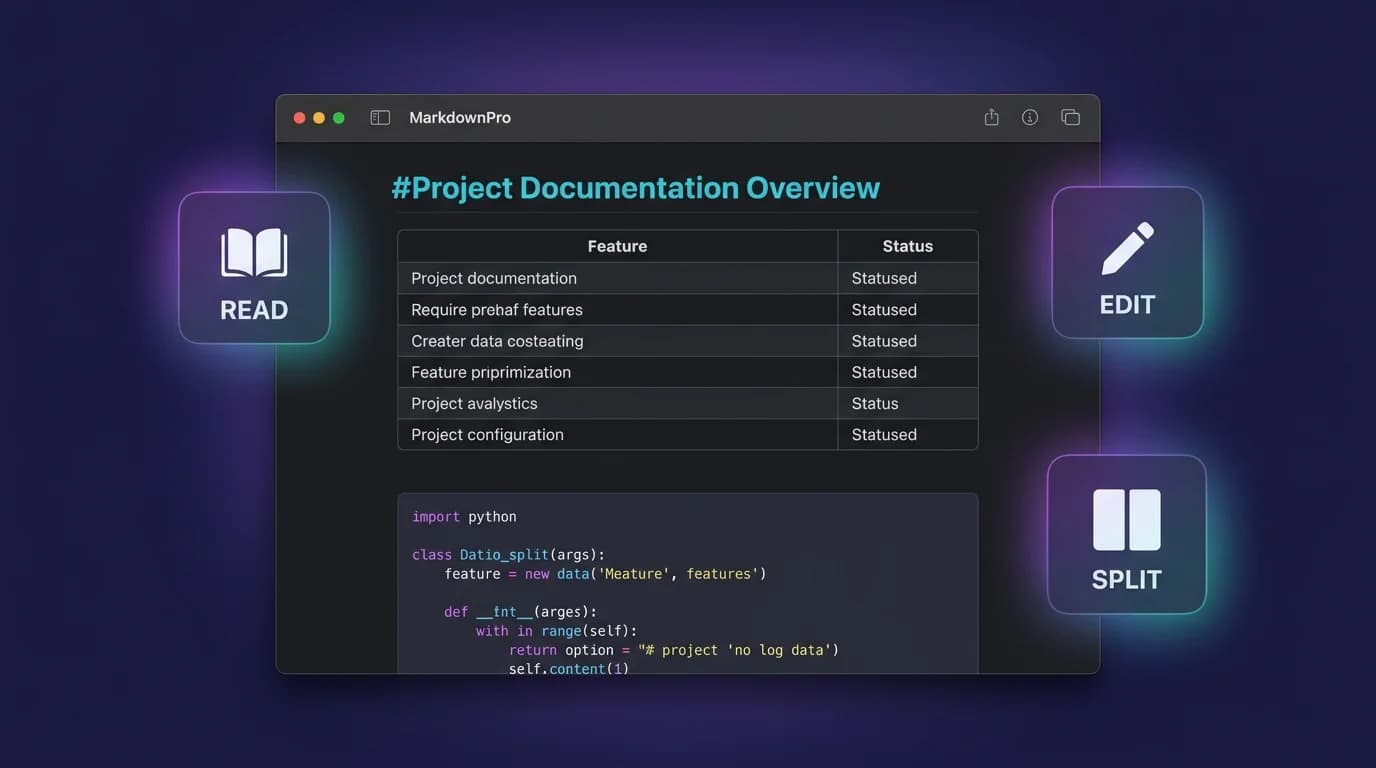
You have a .md file on your machine and you need to see what it actually looks like -- rendered headings, formatted tables, syntax-highlighted code blocks, and working links instead of raw characters. An MD file viewer takes that plain-text Markdown source and converts it into styled HTML you can read, review, and share. The challenge is picking the right viewer for your platform and workflow, because the options range from browser-based tools to native desktop applications with live-reload and Quick Look integration.
The Markdown Editor App market reached USD 1.21 billion in 2024 and is projected to grow at 12.3% CAGR through 2033 (DataIntelo, 2024). That growth reflects how deeply .md files have embedded themselves into modern workflows: GitHub hosts over 630 million repositories (GitHub Octoverse, 2025), nearly all containing README.md files, changelogs, and documentation written in Markdown. Whether you are a developer reviewing pull requests or a technical writer proofing docs, having a reliable MD file viewer eliminates the guesswork between raw syntax and rendered output.
USD 1.21 billion -- the size of the Markdown editor and viewer market in 2024, projected to reach USD 3.44 billion by 2033 (DataIntelo, 2024). The 12.3% CAGR is driven by remote work adoption and the growing need for cross-platform documentation tools that handle
.mdfiles natively.
What Is an MD File Viewer and How Does It Work?
An MD file viewer is any tool that parses Markdown syntax and renders it as styled HTML. You give it a .md file, and it outputs formatted headings, bold and italic text, tables, code blocks with syntax highlighting, images, and hyperlinks. The rendering follows the CommonMark specification (version 0.31.2, January 2024), which defines over 600 test cases to ensure parsers interpret Markdown identically.
The process works in three steps:
- Parse -- the viewer reads the raw
.mdtext and builds an abstract syntax tree (AST) from the Markdown tokens (headings, paragraphs, list items, fenced code blocks). - Transform -- the AST is walked and converted into HTML elements. A
## Headingbecomes<h2>Heading</h2>, a**bold**becomes<strong>bold</strong>. - Render -- the HTML is styled with CSS and displayed. Code blocks gain syntax highlighting, Mermaid fences become SVG diagrams, and LaTeX expressions render as formatted math.
The distinction from a Markdown editor matters. An editor lets you write and modify content, typically with a side-by-side live preview. A viewer is read-only: it renders an existing file without changing a single byte. If you work with files authored in VS Code, Vim, or any other editor, a dedicated MD file viewer gives you a clean rendering environment separate from your writing tool.
For a deeper look at the .md format itself -- its history, syntax, and how it differs from .txt -- see the guide to MD files.
An MD file viewer parses Markdown tokens into an AST, transforms the tree into HTML elements, and applies CSS styling plus JavaScript-powered extensions like syntax highlighting and Mermaid rendering. The CommonMark specification (version 0.31.2, 2024) ensures consistent parsing across all compliant tools.
Which MD File Viewer Methods Work on Each Platform?
Not every approach works on every operating system. Here are six methods to view .md files, organized by platform compatibility and workflow fit.
1. Native desktop MD file viewer (macOS)
A native desktop viewer opens .md files directly from Finder, watches for changes in real time, and integrates with macOS features like Quick Look and Spotlight. MacMD Viewer is built specifically for this purpose -- you open a file, and it renders with full support for GitHub Flavored Markdown, Mermaid diagrams, LaTeX math, and syntax-highlighted code blocks. Save in your editor, and MacMD refreshes the preview instantly without a manual reload.
Best for: developers and writers on macOS who work with .md files daily and want a persistent, low-friction previewer alongside their text editor.
Platform: macOS only.
2. Online markdown viewer (browser-based)
Browser tools like Markdown Live Preview and the MacMD Markdown Preview tool let you paste or upload .md content for instant rendering. No installation required -- everything runs in the browser.
Best for: quick one-off previews, shared machines, or situations where you cannot install software.
Platform: any OS with a modern browser.
Limitation: cannot watch local files for changes. You must manually paste updated content each time.
3. VS Code built-in preview
Visual Studio Code includes a Markdown preview panel accessible via Cmd+Shift+V (macOS) or Ctrl+Shift+V (Windows/Linux). The preview updates as you type and supports most GFM syntax including tables, task lists, and fenced code blocks.
Best for: developers already working in VS Code who want a quick check without leaving the IDE.
Platform: macOS, Windows, Linux.
Limitation: rendering quality is tied to the VS Code Markdown engine. Mermaid diagrams require a separate extension (Markdown Preview Mermaid Support), and LaTeX math support is inconsistent without additional plugins.
4. Browser extensions
Extensions like MarkView for Chrome and Markdown Viewer for Firefox render .md files directly in the browser tab. Navigate to a raw .md URL on GitHub or open a local file, and the extension formats it automatically. MarkView supports Mermaid diagrams, LaTeX math, and 180+ programming languages for syntax highlighting (MarkView Blog, 2026).
Best for: users who frequently read .md files on GitHub or GitLab and want rendered output without cloning the repository.
Platform: any OS running Chrome, Edge, Brave, or Firefox.
Limitation: limited to the browser context. Cannot watch local files for live reload or integrate with the operating system's file manager.
5. Terminal-based viewers (CLI)
Tools like Glow (Go-based, cross-platform) and bat render Markdown directly in the terminal with styled output. Glow applies colors, word wrapping, and heading formatting without leaving the command line.
# Install Glow via Homebrew
brew install glow

# View an MD file
glow README.md
Best for: developers who live in the terminal and want to preview .md files without switching to a GUI application.
Platform: macOS, Windows, Linux.
Limitation: terminal rendering cannot display images, Mermaid diagrams, or complex table layouts. It is best suited for text-heavy .md files.
6. Quick Look on macOS
macOS Quick Look lets you press the spacebar on any file in Finder to see a preview. By default, .md files display as raw text. Installing a Quick Look extension -- like the one bundled with MacMD Viewer -- renders Markdown as formatted HTML directly in the Quick Look popup. No app needs to open; the preview appears instantly.
Best for: macOS users who browse files in Finder and want to scan .md content without opening a dedicated application.
Platform: macOS only.
Comparison table
| Method | macOS | Windows | Linux | Live Reload | Mermaid | Offline |
|---|---|---|---|---|---|---|
| Native desktop viewer | Yes | -- | -- | Yes | Yes | Yes |
| Online viewer | Yes | Yes | Yes | No | Varies | No |
| VS Code preview | Yes | Yes | Yes | Yes | Plugin | Yes |
| Browser extension | Yes | Yes | Yes | No | Yes | No |
| Terminal (Glow) | Yes | Yes | Yes | No | No | Yes |
| Quick Look extension | Yes | -- | -- | No | Yes | Yes |
How Do You Choose the Right MD File Viewer for Your Workflow?
The best MD file viewer depends on three factors: your operating system, how often you view .md files, and which Markdown extensions your files use (Mermaid, LaTeX, GFM tables).
If you view .md files daily on macOS, a native desktop viewer gives you the fastest workflow. File watching means you never manually refresh. Quick Look integration means you can preview files without opening any application. MacMD Viewer handles GFM, Mermaid, LaTeX, and 200+ syntax highlighting languages in a single tool.
If you need a quick one-off preview, use the Markdown Preview tool in your browser. Paste the content, check the rendering, move on.
If you primarily read .md files on GitHub, a browser extension like MarkView renders them in-tab without cloning or downloading.
If you work cross-platform and live in VS Code, the built-in preview is sufficient for basic GFM. Add the Mermaid extension if your docs include diagrams.
If you want to batch-convert .md files rather than view them interactively, the Markdown to HTML and Markdown to PDF tools handle conversions directly in the browser.
The right MD file viewer depends on three variables: operating system, viewing frequency, and required Markdown extensions. macOS users who view
.mdfiles daily benefit most from a native desktop viewer with file watching and Quick Look. Cross-platform users who need occasional previews can rely on VS Code or a browser-based tool.
What Markdown Features Should an MD File Viewer Support?
GFM compliance, syntax highlighting, Mermaid diagrams, LaTeX math, and live reload are the five features that separate a basic MD file viewer from a production-ready one. Not all viewers render the same subset of Markdown. The CommonMark 0.31.2 specification covers the core syntax, but modern .md files frequently use extensions. Here is what to look for.
GFM (GitHub Flavored Markdown) compliance
GitHub Flavored Markdown adds tables, task lists (checkboxes), strikethrough text, and autolinked URLs to the CommonMark base. Since GitHub is the most common place .md files are read, any MD file viewer that skips GFM will render your files differently than GitHub does. For a complete syntax reference, see the Markdown cheat sheet.
Syntax-highlighted code blocks
Developers embed code blocks in nearly every .md file. A viewer should apply language-specific highlighting based on the info string after the opening fence (```python, ```javascript, etc.). Without it, code collapses into monospaced walls of text that are hard to scan during a pull request review.
Mermaid diagram rendering
Mermaid defines flowcharts, sequence diagrams, Gantt charts, and ER diagrams in fenced code blocks. The Mermaid.js library has over 74,000 stars on GitHub (Mermaid.js, 2025), and an increasing number of teams embed diagrams directly in their .md documentation. A viewer that skips Mermaid forces you to render diagrams in a separate tool -- the Mermaid Viewer handles this if your primary viewer lacks support.
LaTeX math equations
Scientific and academic .md files use LaTeX for inline ($E = mc^2$) and display math ($$\sum_{i=1}^{n} x_i$$). Many viewers silently ignore LaTeX blocks or display them as raw text. If your workflow involves math, verify that your viewer renders it. For syntax details, the math equations guide covers inline and block LaTeX in Markdown.
File watching and live reload
When you are editing a .md file in one window and previewing in another, live reload eliminates the save-switch-refresh cycle. Native desktop viewers and VS Code handle this natively. Online viewers and browser extensions do not.
Over 2,199 companies use Markdown across industries as of 2025 (Landbase, 2025). As
.mdfiles grow more complex -- embedding diagrams, math, and interactive elements -- the gap between basic and full-featured viewers widens. Choosing an MD file viewer that supports GFM, Mermaid, and LaTeX eliminates the need to juggle multiple rendering tools.
How Can You View MD Files Without Installing Anything?
Sometimes you need to check a .md file on a shared machine, a locked-down work laptop, or a device where you cannot install software. Three approaches work without installation:
-
Online viewer -- open the Markdown Preview tool, paste your Markdown content, and the rendered output appears instantly. The tool runs entirely client-side, so your content never leaves your browser.
-
GitHub rendering -- if the file is in a GitHub repository, navigate to it in the web UI. GitHub renders
.mdfiles automatically. However, some advanced features (complex LaTeX, certain Mermaid diagram types) may not render correctly. -
Raw text -- open the
.mdfile in any text editor (TextEdit on macOS, Notepad on Windows,nanoin a terminal). You will see the raw syntax rather than rendered output, but Markdown was designed to be readable as plain text. Headings start with#, bold text is wrapped in**, and lists use-or*.
If you want to convert the file to a more portable format for sharing with non-technical colleagues, the Markdown to PDF tool generates a styled PDF document from raw Markdown.
FAQ
What is the difference between an MD file viewer and a Markdown editor?
An MD file viewer is read-only -- it renders an existing .md file as formatted HTML without modifying the file. A Markdown editor lets you write and edit content, typically with a live preview panel. Editors include tools like VS Code, Typora, and Obsidian. Viewers include tools like MacMD Viewer, Marked 2, and browser-based preview tools. The separation matters because a dedicated viewer gives you a clean rendering environment without the temptation to edit while reviewing.
Can I view MD files on Windows without installing software?
Yes. Open the file in Notepad to see the raw Markdown syntax, or paste its contents into an online Markdown viewer to see the rendered output. If the file is hosted on GitHub, navigate to it in the web interface and GitHub renders it automatically. For a richer experience with Mermaid and LaTeX support, browser extensions like MarkView work on Chrome and Edge without a desktop installation.
Why do some MD file viewers not render Mermaid diagrams or LaTeX math?
Mermaid and LaTeX are extensions beyond the CommonMark specification. They require additional JavaScript libraries (mermaid.js for diagrams, KaTeX or MathJax for math) that not every viewer bundles. If your .md files contain these elements, choose a viewer that explicitly supports them -- like MacMD Viewer, which includes both Mermaid.js and LaTeX rendering out of the box.
How do I enable Quick Look previews for MD files on macOS?
By default, macOS Quick Look shows .md files as raw text. To see rendered Markdown when you press spacebar in Finder, install a Quick Look extension that handles the .md file type. MacMD Viewer includes a Quick Look extension that renders headings, code blocks, tables, and Mermaid diagrams directly in the Finder preview popup -- no separate app window needed.
Is there a free MD file viewer that works offline?
Yes. VS Code (free, cross-platform) includes a built-in Markdown preview that works entirely offline. On macOS, the Quick Look extension from MacMD Viewer renders .md files in Finder without an internet connection. For terminal users, Glow renders styled Markdown output in the command line with no network dependency.
Continue reading with AI
Content licensed under CC BY 4.0. Cite with attribution to MacMD Viewer.